
Cellar vs MyChart (and other patient portals)
Updated June 2026
MyChart shows the records from one health system; Cellar is your own encrypted vault holding records from every provider and country in one timeline you control and can share read-only with any clinician. Most people use both.
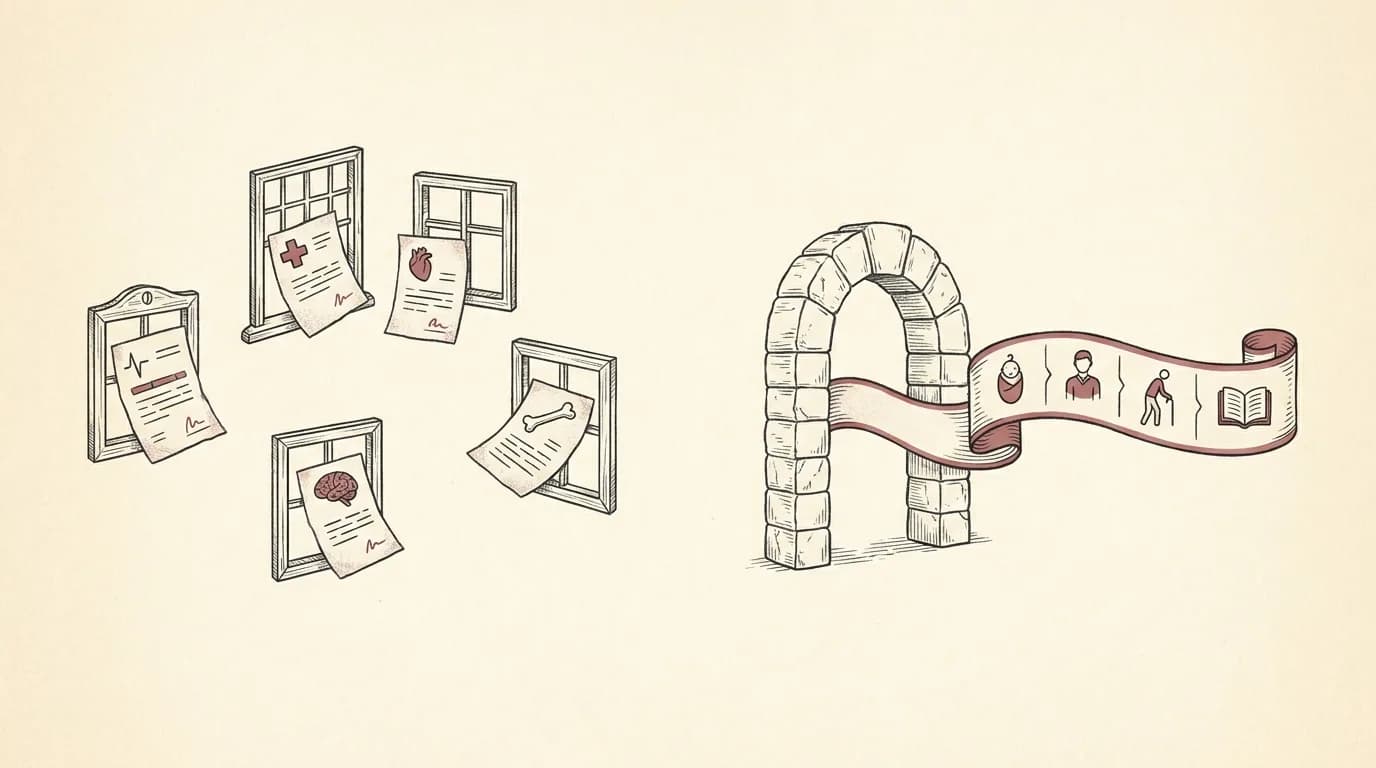
A patient portal like MyChart is the window into one health system's records: the labs, notes, and messages from the providers who use that system. Cellar is your own vault, where records from every provider, lab, and country live together in one timeline you control, search, and share with any clinician. Most people benefit from both: the portal for each provider, Cellar for the whole picture.
| Cellar | a patient portal (MyChart) | |
|---|---|---|
| Whose records it holds | Every provider, lab, and country, in one place | Providers on Epic that opt into Happy Together; not non-Epic clinics, labs, dentists, or other countries |
| Who controls it | You own the account and the data | The health system operates it |
| Old and outside records | Add labs, scans, visit notes, and photos of paper from anyone | Generally limited to that system's own records |
| Organization | Read into a source-linked timeline with biomarker trends | Lists results and documents from that provider |
| Sharing | A read-only, time-limited link any clinician can open, no account | Within that provider's network and tools |
| If you change providers | Your record stays with you | You can lose easy access to the old portal |
What a patient portal (MyChart) is best at: A patient portal is the best place to message your care team, book appointments, and see results from that specific provider. Cellar does not replace it. Cellar holds the records from all of your providers together, so your full history travels with you.
Not for: Cellar is not a replacement for your provider's portal for messaging your care team, booking appointments, or being the system of record for your care.
Why people use both
Each provider you see may run its own portal, and none of them holds the records from the others. That is fine for the visit in front of you, but it leaves no single place with your whole history.
Cellar is that place. You add the records each portal gives you once, and from then on your labs, imaging, and notes from every provider sit in one timeline you can search and share.
What Cellar adds
Cellar reads each document you add, pulls out the dates, values, providers, and medications, and links every value back to the exact page it came from. It trends your biomarkers over time and answers plain-language questions, with citations to the source.
When you see a new doctor, you share a read-only packet through a private link that is time-limited and revocable, and they need no account to open it.
Common questions
Does Cellar connect to MyChart automatically?
Cellar does not sign in to portals for you. You add records by uploading exports, PDFs, or photos, or by forwarding them to your private Cellar address. Most portals let you download your results and visit notes, which you add to Cellar once.
Can I use Cellar and MyChart together?
Yes, and most people do. Use each provider's portal for that provider, and keep the complete, organized picture in Cellar to search and to share with any clinician.
Is Cellar a replacement for my hospital's records?
No. Your providers remain the system of record for the care they deliver. Cellar is your personal copy, organized and portable, so you are never dependent on one portal to see your own history.
Doesn't MyChart already combine my records with Happy Together?
Happy Together and MyChart Central can link your MyChart accounts across health systems that run Epic and choose to participate. They do not pull in records from providers that do not use Epic, from most labs and clinics, from paper, or from other countries. Cellar holds all of those in one place because you add them yourself.
Bring your records into one place
Cellar reads your labs, scans, and visit notes into one private, source-linked timeline you can search and share with any doctor. Encrypted, and never used to train AI.
Start your record$200 a year with a 14-day free trial. Viewing your records is never paywalled.