Cellar vs a folder of PDFs (Google Drive, Dropbox)
Updated June 2026
A cloud folder stores your medical files; Cellar reads them. It extracts your lab values, builds a source-linked timeline, trends biomarkers, and shares a read-only summary with any doctor, while always keeping the original files.
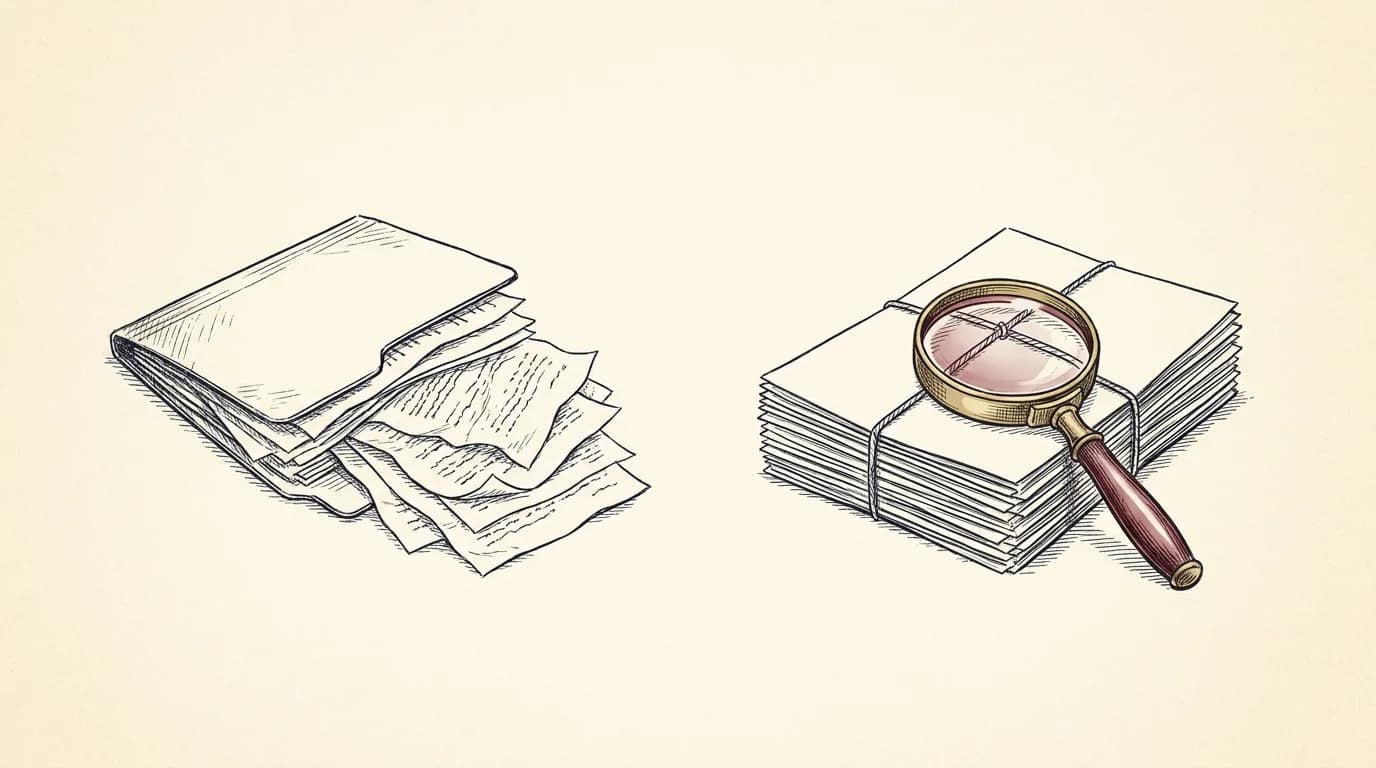
Keeping your records in a cloud folder is a real step up from paper, but a folder only stores files. It cannot tell you how your cholesterol has moved, find every mention of a medication, or hand a doctor an organized summary. Cellar reads the documents you add, extracts the values, builds a source-linked timeline, and shares a read-only packet with any clinician. The original files are always kept.
| Cellar | a cloud folder (Google Drive, Dropbox) | |
|---|---|---|
| What it does with a file | Reads it, extracts values, links them to the source | Stores it |
| Find a result over time | Biomarker trends, normalized to one unit | Open the files and read them yourself |
| Search | Ask in plain language, answers cited to the source | Filename and full-text search |
| Sharing with a doctor | A read-only, time-limited, organized packet | A shared folder or email attachments |
| Encryption | Each record encrypted with its own key | The provider's standard storage encryption |
| Built for | Health records | General file storage |
What a cloud folder (Google Drive, Dropbox) is best at: A cloud folder is fine for raw storage and for files you rarely open. Cellar is for when you want to understand and use your records: see trends, ask questions, and share an organized summary, with the originals always kept and exportable.
Not for: Cellar is not general file storage for non-medical documents; a cloud folder is the better home for those.
Storage versus understanding
A folder is a filing cabinet. It holds your documents, but the knowledge inside them stays locked in PDFs you have to open one by one.
Cellar turns the same documents into a record you can use: values extracted and trended, a timeline across every provider, and answers to plain-language questions, each cited to the page it came from.
Common questions
Can I still keep my original files?
Yes. Cellar always keeps your original document, and you can export everything, originals plus the structured record, in one tap, anytime.
Is Cellar more private than a shared Drive folder?
Cellar encrypts each record with its own key and is built for health data, with no analytics or trackers. A general cloud folder is convenient but not designed around medical privacy, and links shared from one can be easy to forward.
Do I have to retype my results into Cellar?
No. Cellar reads the documents and extracts the values for you, flagging anything uncertain for you to confirm.
Bring your records into one place
Cellar reads your labs, scans, and visit notes into one private, source-linked timeline you can search and share with any doctor. Encrypted, and never used to train AI.
Start your record$200 a year with a 14-day free trial. Viewing your records is never paywalled.