
Cellar vs Apple Health
Updated June 2026
Apple Health is strongest for device and wearable data on iPhone; Cellar reads your actual medical documents (labs, scans, visit notes) from any provider, country, or platform, and shares them read-only with any clinician. They work well together.
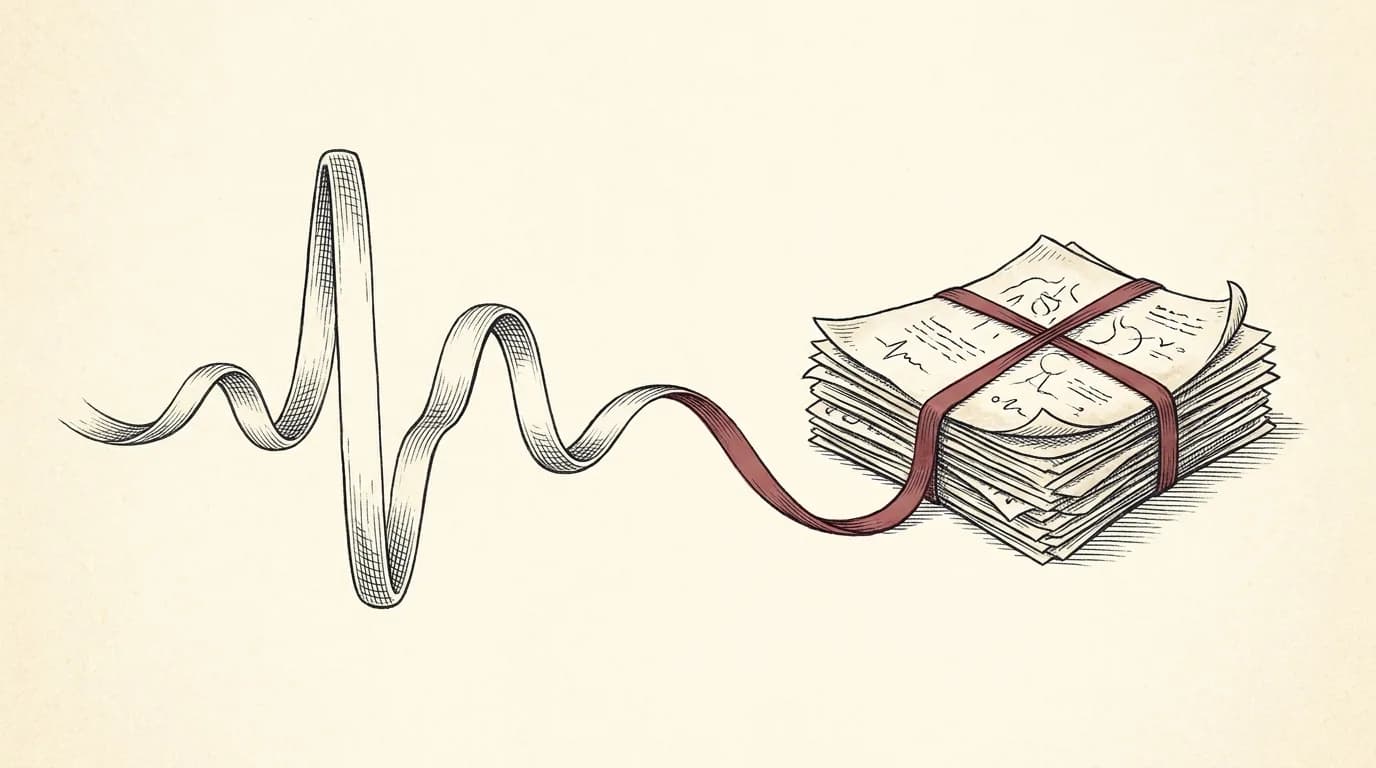
Apple Health is a strong home for the data your iPhone and wearables collect, and it can pull some records from participating institutions. Cellar is built around the documents themselves: it reads the labs, scans, and visit notes you add, from any provider or country, organizes them into one timeline, and shares them read-only with any clinician. They work well together, and Cellar can sync your wearable vitals too.
| Cellar | Apple Health | |
|---|---|---|
| Best at | Reading and organizing medical documents from any source | Device and wearable metrics on iPhone |
| Documents (PDFs, scans, photos, notes) | Read, extracted, and linked to the source line | Structured records from participating institutions; not arbitrary PDFs, scans, or photos of paper |
| Where records can come from | Any provider, lab, or country, including paper | Apple devices, plus participating institutions |
| Platform | Any browser, on phone and desktop | Apple devices |
| Sharing with a clinician | Read-only, time-limited link, no account needed | Health sharing within Apple's ecosystem |
| Wearables | Syncs resting heart rate, HRV, sleep, and weight alongside labs | Rich device and fitness data |
What Apple Health is best at: Apple Health is the better home for continuous device data: steps, workouts, and detailed fitness metrics on your iPhone. Cellar focuses on your medical records, the labs, scans, and notes, and reads wearable vitals alongside them so a clinician sees both.
Not for: Cellar is not a fitness tracker: continuous device data like steps and workouts belongs in Apple Health, which Cellar can read alongside your records.
Documents are the difference
Apple Health is built around structured health and device data. Cellar is built around the documents your care actually produces: lab reports, imaging, and visit notes, including PDFs, scans, and photos of paper, in any language.
Cellar reads each one and links every value back to the page it came from, so the number on your chart is always traceable to the original.
They work together
Cellar can import your Apple Health data and sync vitals from wearables, then trend them next to your labs. You get the device picture and the medical-record picture in one place, on any device, not only an iPhone.
Common questions
Does Cellar work with Apple Health?
Yes. Cellar can import your Apple Health data and sync vitals from wearables, then trend them alongside your labs and records.
Is Cellar only for iPhone?
No. Cellar runs in any browser, on phone and desktop, so your records are reachable anywhere, not only on Apple devices.
Does Apple Health organize my lab PDFs?
Apple Health is built around structured health and device data, not arbitrary documents. Cellar reads the documents themselves, including PDFs, scans, and photos of paper, and links every value back to the page it came from.
Bring your records into one place
Cellar reads your labs, scans, and visit notes into one private, source-linked timeline you can search and share with any doctor. Encrypted, and never used to train AI.
Start your record$200 a year with a 14-day free trial. Viewing your records is never paywalled.